
Curly hair · blue blouse
Input photo
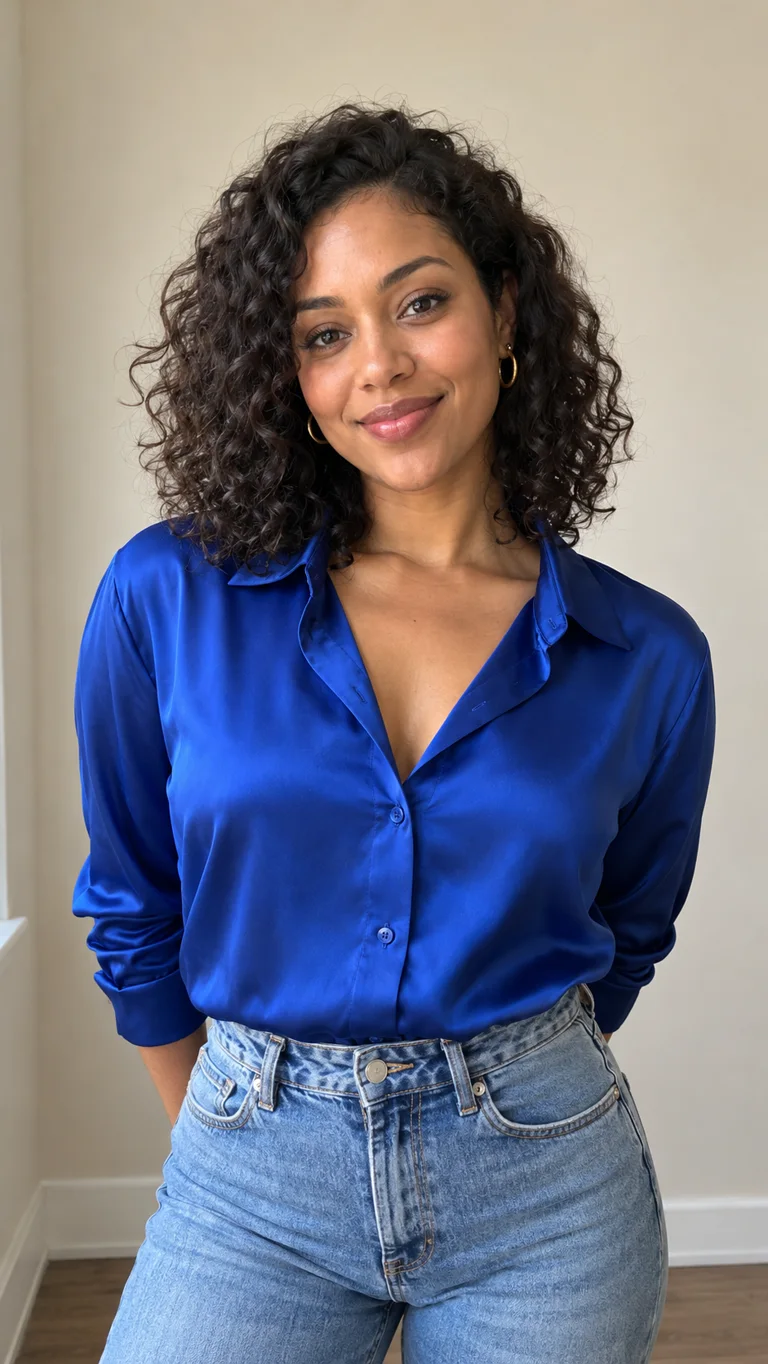
Generated video
AI-generated example · Synthetic person; no real person's photo used.
One photo. One video.
$9.90
One approximately 8-second, 9:16 vertical video at MiniMax H3's 768P setting. Usually ready in 2–5 minutes; downloadable as MP4 from My videos.
One photo. Clear face. Upper body. Normal light. No group shots, sunglasses, or covered faces.
Check the boxes to pay.
Three actual 8-second videos made from the input photos shown here. Faces, hair, and clothes can change slightly each time.
Input photo
Generated video
AI-generated example · Synthetic person; no real person's photo used.
Input photo
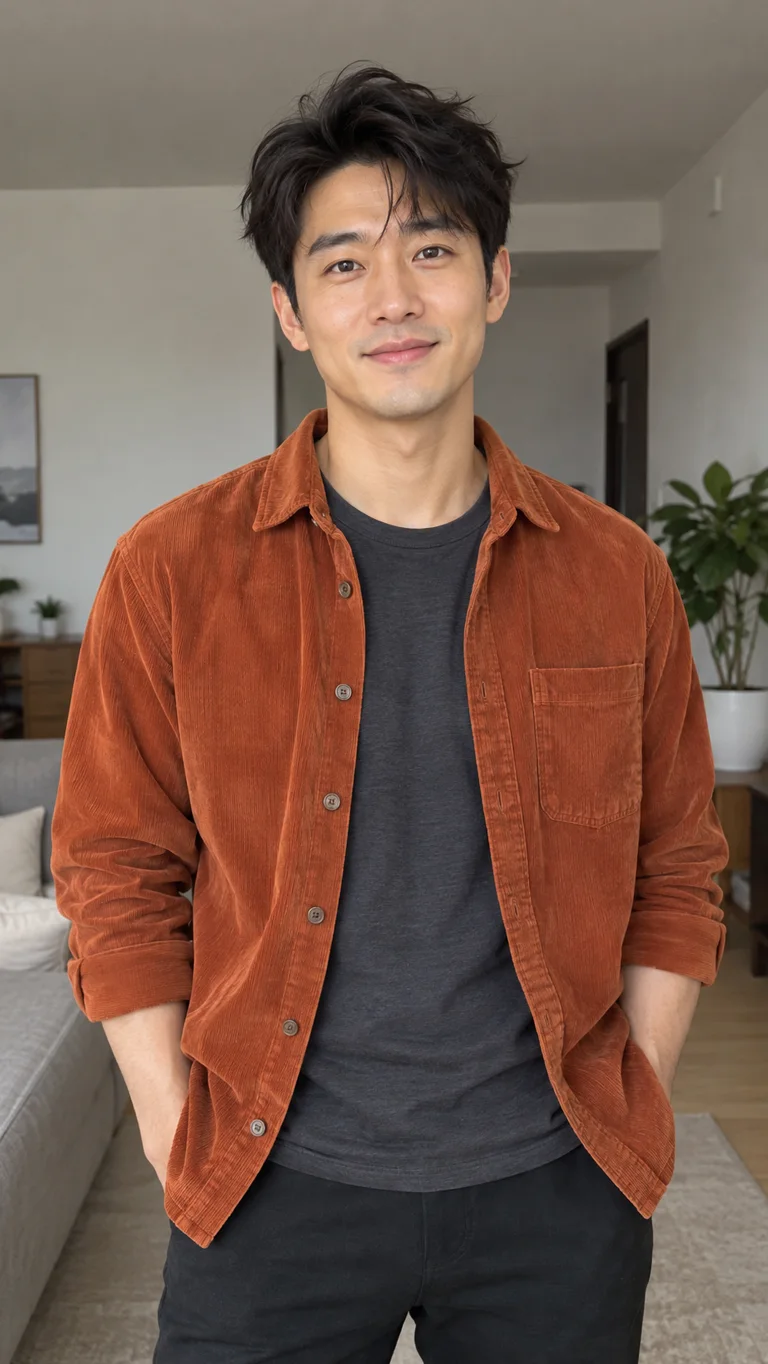
Generated video
AI-generated example · Synthetic person; no real person's photo used.
Input photo
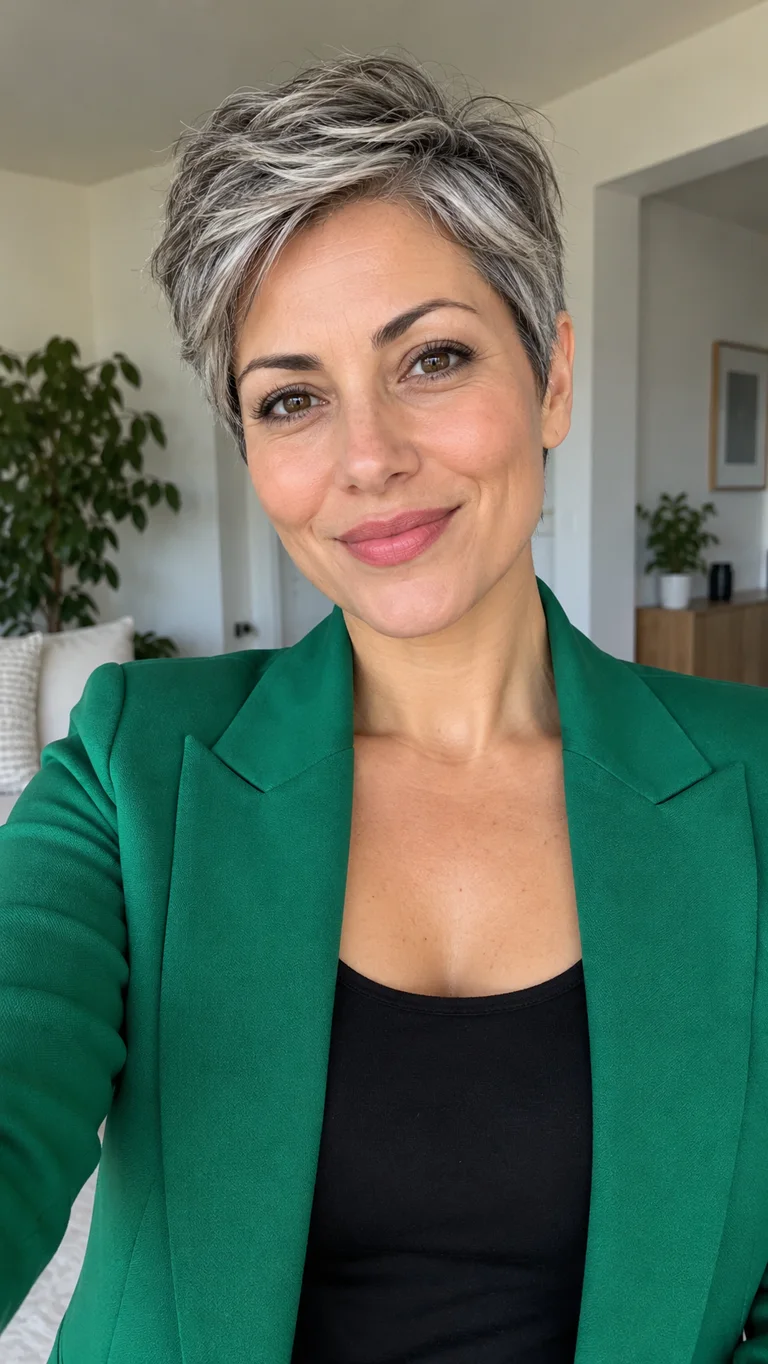
Generated video
AI-generated example · Synthetic person; no real person's photo used.
The trend reimagines the crowded, chandelier-lit party moment in Drake's Burning Bridges music video with a new person at the center. This generator uses one photo to make a new AI-rendered party: the person walks toward the camera, laughs and raises a glass while the crowd reacts. It does not reuse footage or audio from the original video. This site is independent of the artist and label.
See the original music videoRead the complete Burning Bridges AI video guideChoose one clear photo of yourself or an adult who agreed. JPG, PNG and WebP are supported up to 5 MB.
Pay once. The party scene and MiniMax H3 model are already set; you do not need to write a prompt or edit a video.
Generation usually takes 2–5 minutes. Open My videos to watch and download the finished MP4.
Upload exactly one JPG, PNG or WebP image, no larger than 5 MB. A clear face and visible upper body give the model more detail to work with. The face, hair and clothes may still change slightly in the finished video.
One approximately 8-second, 9:16 vertical party video, generated with MiniMax H3 at its 768P setting (typically about 768 × 1344 pixels) and delivered as an MP4 file from My videos. The 768P setting does not promise exact pixel dimensions or a 1080 × 1920 export. The preset scene has a warm room, chandelier, crowd and moving camera, with AI-generated room, laughter and glass sounds. The original song is not in the file. There is no subscription or credit pack.
The scene, length, aspect ratio and model are fixed. This product accepts one person photo; it does not let you add friends, change the room, choose a longer clip or upload a reference video.
Choose this if you want a short version of the party trend from one photo, without writing prompts, finding a source clip or editing a timeline. You can inspect the full input-to-output examples above before paying.
If you need multiple people, precise choreography, a different setting, a longer video or the original song inside the file, use a general video editor or another tool with those controls. This generator makes one fixed kind of clip.
Use only your own photo or one from an adult who agreed; minors and public figures are not accepted. Your uploaded photo is not used to train AI and is automatically deleted after seven days. If generation fails, the full $9.90 is automatically refunded to the original payment method.
The file has room, crowd, and glass sounds. It does not include the song. To ride the trend on TikTok or Instagram, pick the official sound from that app when you post.
Independent tool. Not affiliated with any artist, label, or original video. The file does not include the original song. Upload only yourself or an adult who agreed. No minors. No public figures.